Build Responsive Websites to fit various different screens sizes, without Coding! Using an Advanced Editor X platform.
What you’ll learn
How to build a website
Build a website without Coding
Responsive Websites 100%
Design Website for Mobile, Tablet and Desktop
Drag & Drop experience
Complete Editor X Guidence
How to create a project on Editor X
Learn about Editor X Canvas and Interface
Learn more about Breakpoints
Keyboard Shortcuts to speed up your workflow
Premade Components – Compositions
Apply Color palette and Typography to your project
Adding Containers/Empty Boxes
Working with Grids
Stacking and Grouping multiple elements
Flexbox technology
Layout Tools
CSS Grids Tools
Repeaters
Layouters
Lightboxes
Text and Buttons
Input Fields
Menus
Media and Gallery
Vectors
Icons
Images
GIFs
Videos
Create custom Forms
Contact Forms
Social Bar
Masters – Single Component in multiple places
App Market – Install Apps on your Website
Roles, Permissions and Comments
Hover Interactions
Animations
Content Manager
Work with Backend
Database
Collections
Dataset Modes
Receive message from the contact form
Respond to your visitors
Schedule Email Campaign
Create Email Template
Display Data on the website from the Backend
Dynamic Pages
How to add Members area App
How to add Blog App
How to add Events App
How to add Online Store App
How to add Video App
How to add Groups App
Create your own website from Scratch!
And more
Requirements
Internet Connection
Motivation to Learn!
Description
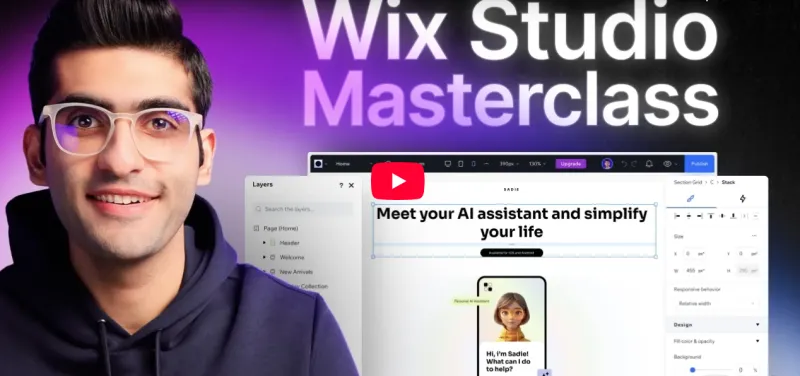
Hello there and welcome to my new course! This course is sponsored by Editor X.
For those of you who are not familiar with Editor X, Editor X is basically a web application or an advanced creation platform for designers and web professionals. Editor X combines cutting edge responsive design with relatively easy and smooth drag and drop experience. With Editor X you can design and build almost any website you imagine. It’s possible to design and build beautiful websites without any experience with Web development whatsoever!
Editor X allows you to build fully responsive websites that automatically scale to any screen size or device they are being viewed on to deliver the best user experience. Using the latest design technology like flexible grids, layouts, fluid sizing and breakpoint customization, you can ensure that your site looks exactly how you want on various different screen sizes.
Also Editor X has quite clean and intuitive interface which will allow us to easily navigate between many different tools, features, categories, panels and that way keep our focus primarily on building our website.
Now we are going to start this course by completely introducing with almost every Editor X tool and feature. You’ll get familiar with it’s design interface, canvas, shortcuts, compositions and all other components which are essential for one website to be responsive and good looking.
You’ll see in action how Flexbox technology can help us apply responsiveness to our website. Flexbox is a CSS container created around elements to ensure they’re automatically arranged depending on screen size. It’s a helpful tool in responsive design that prevents things from getting messy, like when elements overlap or change their order. The most useful Flexbox technology tools are Layouters and Repeaters. They will automatically adjust your content to every screen size without even thinking about breakpoints.
After that I will introduce you to the Content Manager. And it’s main purpose is to act as a database on the backend. With content manager we can create something that’s called a collection, and a collection is basically a data table which can contain different types of information in the form of rows and columns. There we can put images, links, text video, audio, document and many other different types of data.
We can use Content manager to display that data to our website or ever gather some information from our visitors through the forms, where users can write some information an

 New