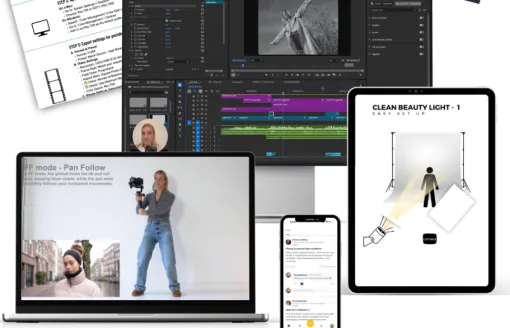
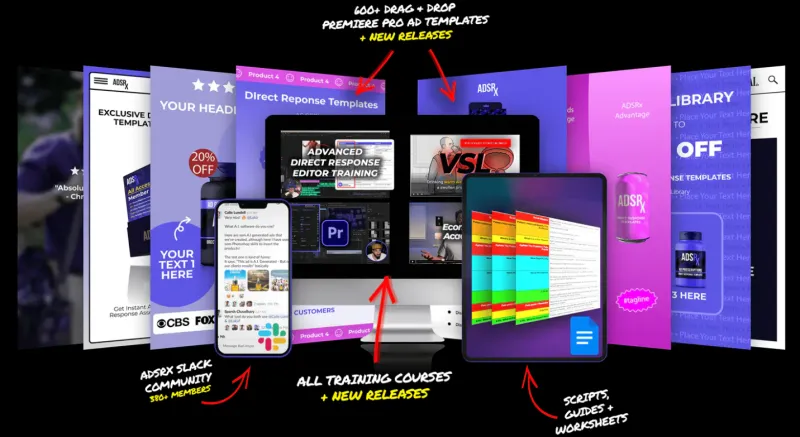
This course teaches a self-paced video editing process using CapCut, from preparing footage to advanced techniques and platform-specific exports.
The lessons begin with pre-filming essentials for quality footage and a full breakdown of the CapCut interface. The curriculum then covers overlays such as stop motion, layering and animations, along with core editing techniques including rough cuts, sound effects, text and auto-captions. More advanced lessons address masking, keyframes, colour correction and sound design, followed by technical specifications for different platforms, troubleshooting common problems, and importing and exporting.
It suits total beginners to video editing, regular users who still feel overwhelmed by the task, and experienced editors who want to refresh their content style. The course is delivered as 23 mini lessons in a self-paced format.

 New